

Clean Code Tips I Learned from Senior Engineers

Being good at coding and writing good code are two different skills. I learned it the hard way after one of my pull requests at Amazon received 30+ comments.
At first, it felt overwhelming. But looking back, it turned out to be one of the most valuable learning experiences of my career.
It taught me that writing code isn’t just about passing tests, it’s about writing code that other developers can understand, maintain, and build upon.
The good news is that writing clean code is a skill that can be learned by internalizing a few key principles and applying them consistently in your work.
In this article, I will share 10 practical clean code tips that I’ve picked up over years from senior engineers and reading books like “Clean Code“.
1. Avoid Magic Numbers and Strings
Magic numbers (and strings) are hard-coded values that appear directly in your code without explanation. They make the code cryptic, harder to read, and more error-prone.
If another developer (or even future-you) stumbles upon a random 86400 in the code, it’s not immediately clear whether it represents seconds in a day, milliseconds in a minute, or something else entirely.
Bad Example (Using Magic Numbers):
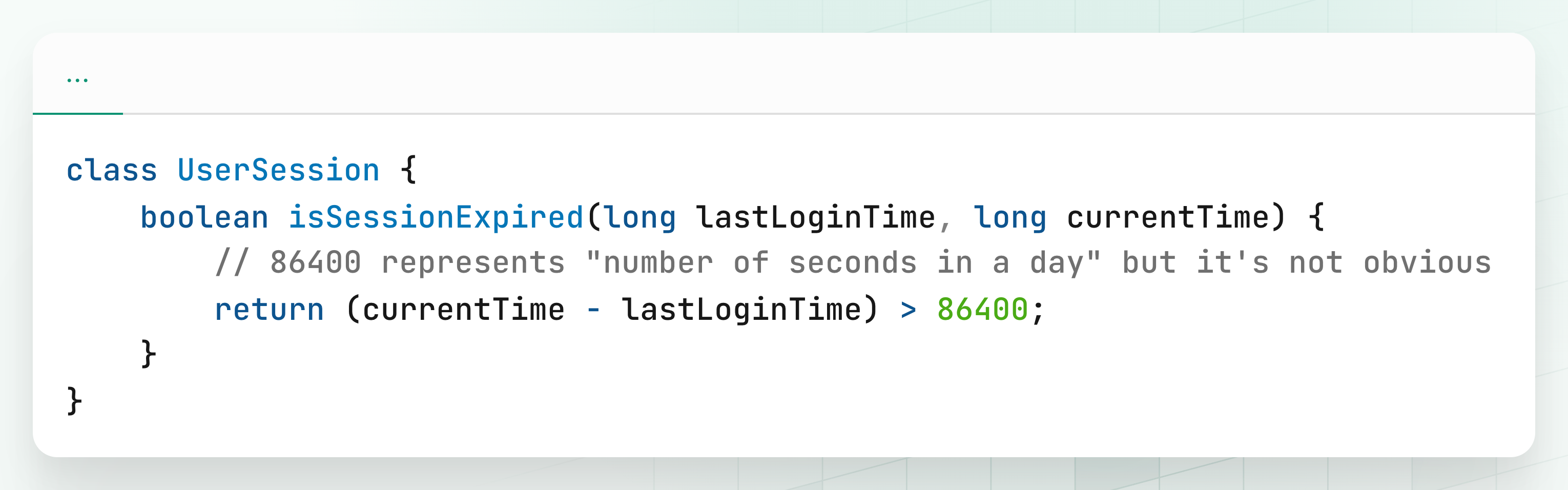
At first glance, nobody knows what 86400 means. It requires prior knowledge or extra digging.
Good Example (Using Named Constants):
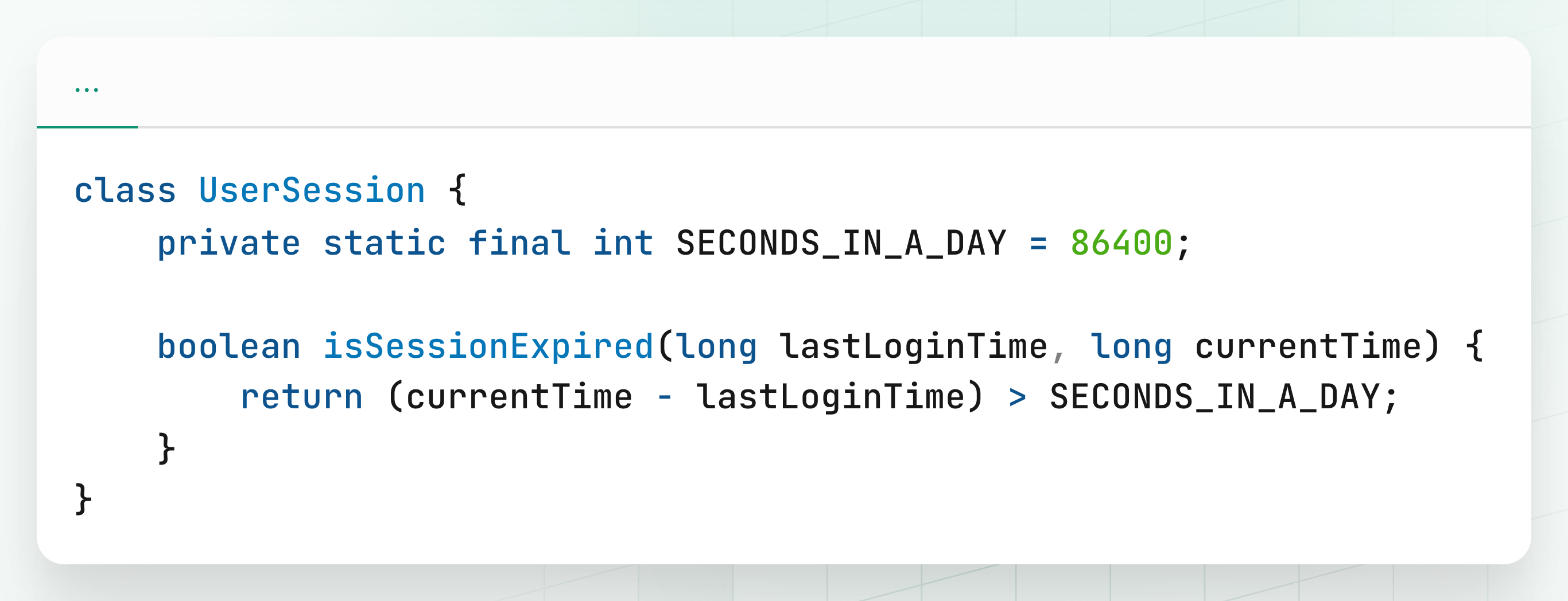
Now, the meaning is crystal clear. Even someone new to the code can immediately understand that the session expires if more than a day has passed.
2. Use Meaningful, Descriptive Names
Code is read far more often than it is written. If variables, methods, or classes have vague names, the reader is forced to pause and decipher what’s happening. This slows everyone down and increases the chances of mistakes.
Your names should reveal intent. A reader should understand what a piece of code does without needing extra comments or mental gymnastics.
Bad Example (Vague Names):
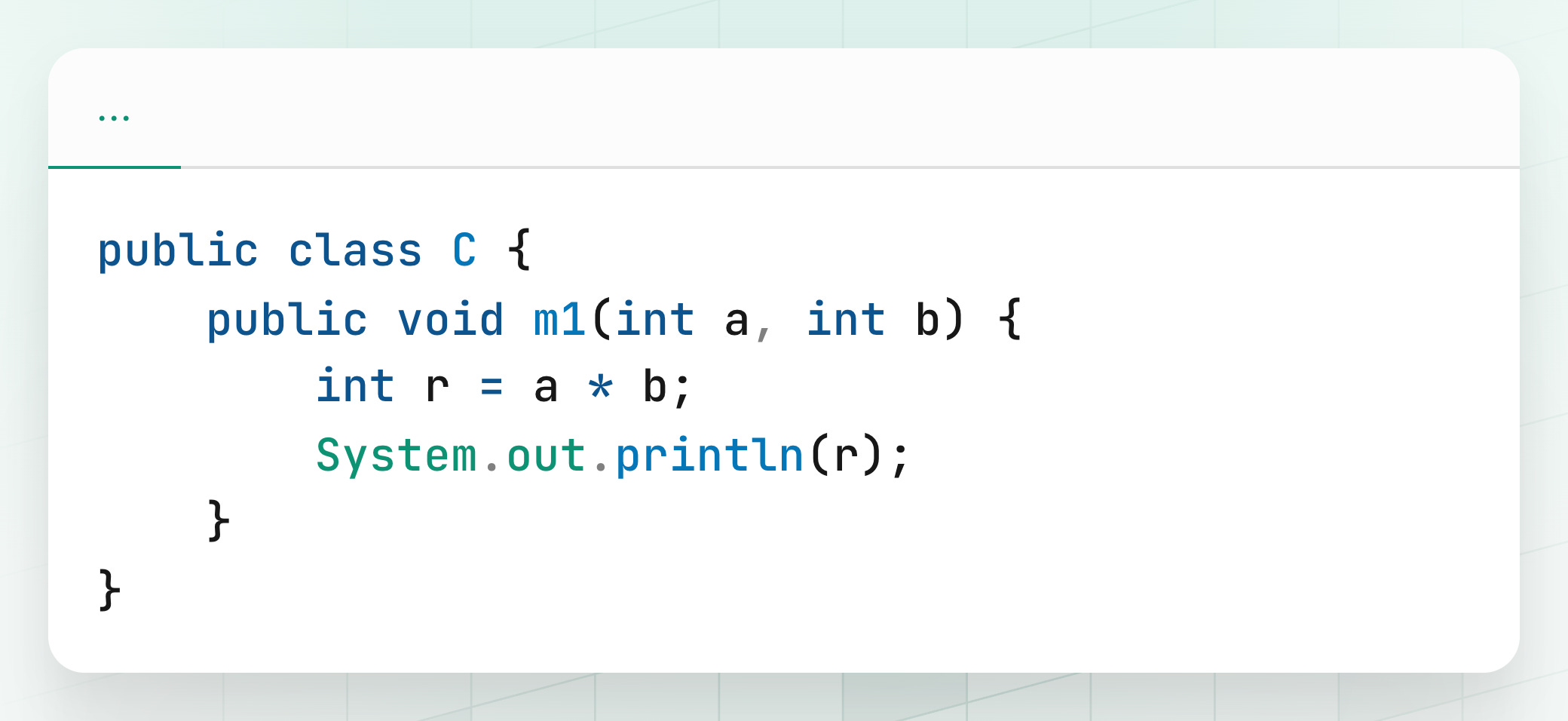
Here, the class C, method m1, and variables a, b, r mean nothing to the reader. What does m1 do? What are a and b supposed to represent?
Good Example (Meaningful Names):
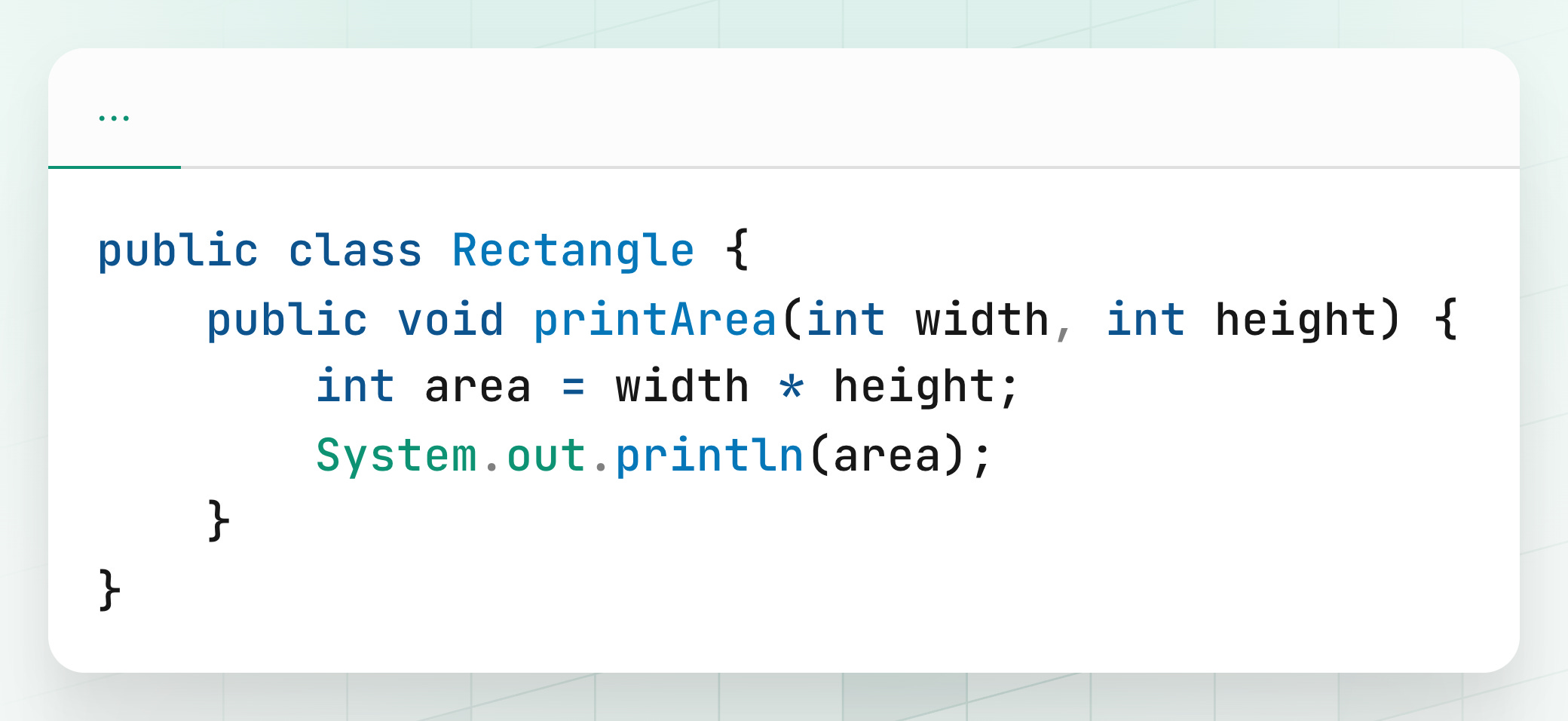
Now it’s immediately clear: we are dealing with a Rectangle, and the method calculates and prints the area.
Consistency Matters
Consistency in naming is equally important. If you sometimes call a user’s identifier id, elsewhere userId, and in another place uid, you’re inviting confusion.
Bad Example (Inconsistent Naming):
String id = "123";
String userIdentifier = "123";
String uid = "123";
Which one is the real user ID? The inconsistency makes the code harder to follow.
Good Example (Consistent Naming):
String userId = "123";Use the same term across your codebase. This helps new developers quickly build a mental model of your system.
Caller Perspective
When naming methods, think about how they’ll be used by the caller.
Bad Example:
order.process();Does process() mean "validate"? "Charge payment"? "Ship the product"? It’s too vague.
Good Example:
order.chargePayment();
order.shipToCustomer();
Now the intent is obvious from the caller’s perspective.